
A standing desk lets you change height during the day so you are not locked into one posture at a home workspace. The useful choice is the desk that fits your room, holds your equipment, and is easy to raise and lower every time you actually want to stand.
Read The Full Guide
Start with the footprint and the height range, then decide whether you want an electric motor or a manual crank. Check the weight rating against your monitors, and plan the under-desk space for a keyboard tray, cable routing, and a CPU holder if you use a tower. A converter on an existing table is enough when you cannot replace the whole desk.
Measure The Room And The Height Range
Start with the width and depth you can spare, including the chair roll-out and any radiator or window behind the desk. A compact top is enough for a laptop and one screen; a wider top is easier once you add a monitor arm, a lamp, and a writing pad. Height range matters more than a headline maximum: you want a sitting height that matches your chair and a standing height that lets your elbows rest near a right angle at the keyboard. If more than one person will use the desk, pick a range that covers both. Mark the floor with tape before you buy so the footprint is real, not guessed from a product photo.
Electric Desks Versus Manual Cranks
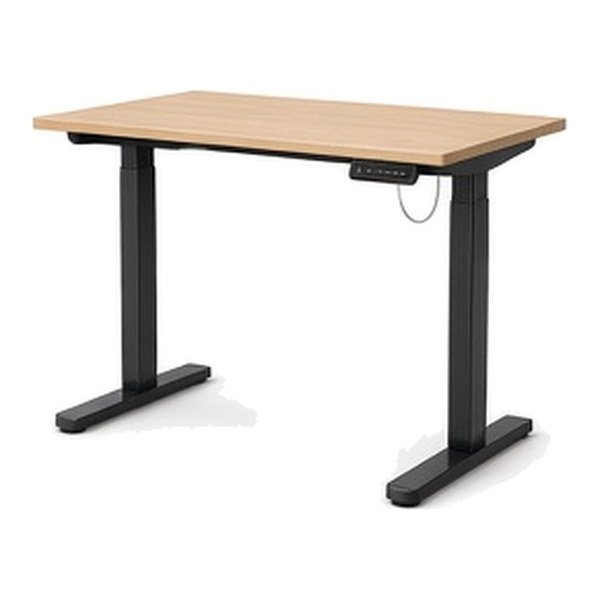
An electric standing desk raises and lowers at the push of a button and often stores a few memory heights, which makes it more likely you will actually change position during a workday. A manual crank costs less and has fewer parts to service, but you will use it less if the crank is slow or awkward to reach. Listen for a quiet motor if the desk sits in a shared room, and check whether the frame has one motor or two; dual motors usually feel more even with a heavy top. Look at the cable for the controller so it can reach a socket without a trailing lead across a walkway. If power cuts matter in your home, know that a crank still works when the motor cannot.
Weight Capacity, Tops, And Monitor Arms
Add up the screens, the arms, the lamp, and a desktop computer if it sits on the top rather than in a holder. Buy a rating with some spare capacity so the desk does not feel soft at full height. A stiffer frame also helps a monitor arm stay still when you type. If you use a heavy ultrawide or two large screens, a dual-motor frame and a solid top are worth more than a slightly wider but flexy board. Grommet holes, a rear scallop, or room for a clamp-on arm should be checked before you assume an arm will fit the back edge. The top finish should be one you can clean, because a standing desk is also a daily table.
Converters, Small Rooms, And Shared Spaces
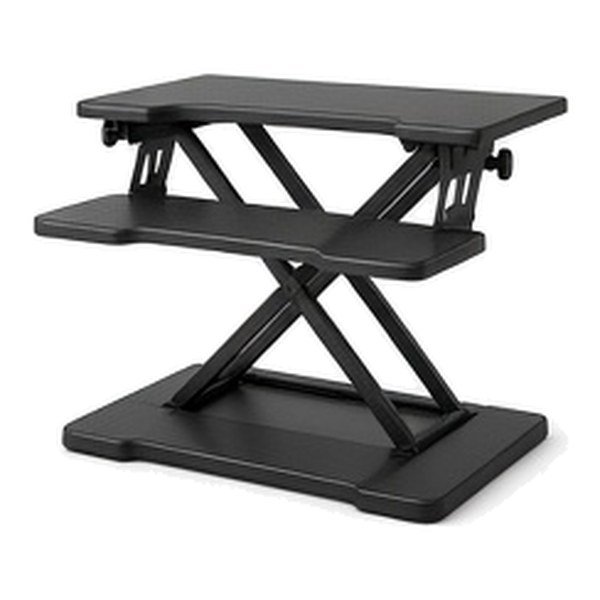
A standing desk converter sits on a table you already own and lifts the keyboard and screen. It is the practical option in a rented room, or when the current desk is built in. Check the converter’s height, the depth of the keyboard shelf, and whether the base leaves you enough table for writing. In a small room, a compact electric desk with a narrow top often beats a large converter that eats the whole surface. Privacy panels can help in a shared living room, and casters with locks help you roll the desk aside if the room does evening duty as a dining space. The goal is a setup you will keep using, not the largest frame that will barely squeeze in.
Cables, Holders, And The Space Under The Desk
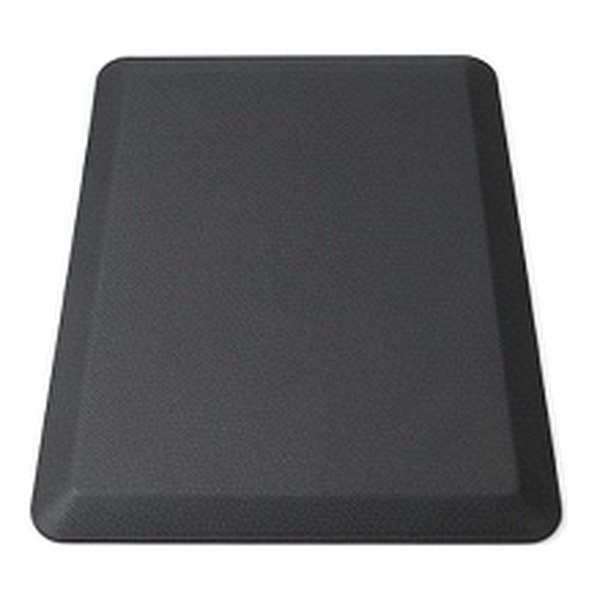
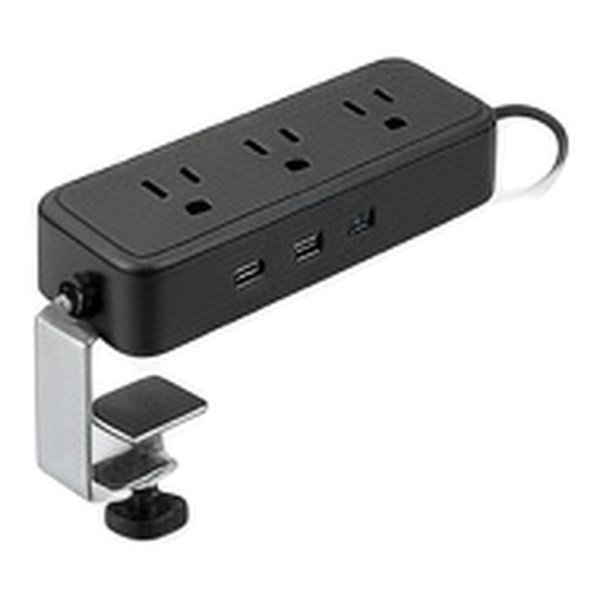
The area under a standing desk changes height, so cables need slack and a way to travel with the frame. A cable sleeve or tray, a power strip on the underside, and a CPU holder or trolley keep a tower and the sockets from pulling tight when the desk rises. Headphone hooks, cup holders, and small loop hooks move loose items off the top so you have room to type. Anti-fatigue mats and a keyboard tray belong in this plan too, because comfort at standing height is as much about the floor and the wrists as it is about the motor. Test the up and down travel after you route the cables, not before.
Daily Comfort And Changing Position
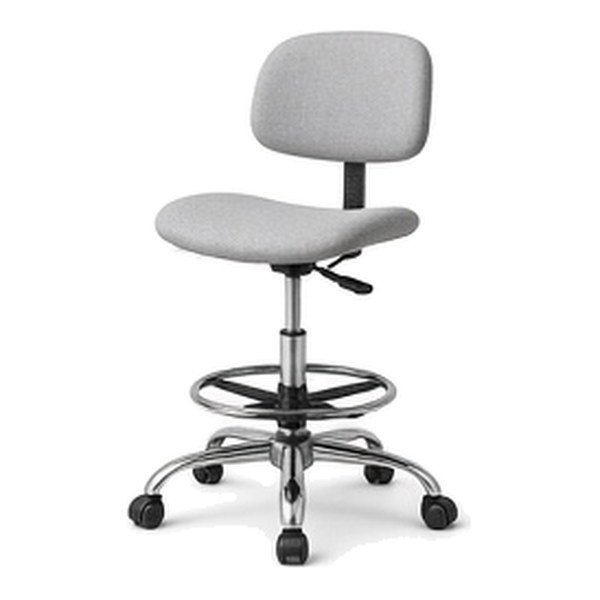
The desk only helps if you change height often enough that sitting or standing never becomes an all-day lock-in. Memory presets make that easier on an electric model. Wear shoes or stand on a mat you actually like, keep the screen at eye level with an arm or a riser, and bring the keyboard in so your shoulders stay relaxed. A drafting chair or a high stool can give you a perched middle position if full standing is tiring. None of this requires a complicated routine: two or three changes in a normal workday is already a better pattern than a desk that stays at one height because the lift is a chore.
What To Check Before You Buy
Confirm the width, depth, and height range against your taped footprint and your tallest and shortest users. Check the weight rating, the motor or crank type, and whether a controller, cable tray, and a warranty you can actually use are included. If you need casters, a CPU holder, or a converter instead of a full desk, make those decisions now so the accessories fit the same frame. Read the delivery notes: many standing desks arrive as a frame and a top, and you will want a second pair of hands. A straightforward return window matters, because the feel of the lift and the stiffness of the top are hard to judge from a listing alone.
Quick Buying Checklist
- Tape the floor and confirm the height range for everyone who will use the desk.
- Choose an electric lift for frequent height changes, or a crank if you want a simpler, unpowered desk.
- Add up your screens and arms, and buy a weight rating with some spare capacity.
- Plan cable slack, a CPU holder if you use a tower, and a tray or sleeve under the top.
- Decide whether a full desk, a compact frame, or a converter fits the room you have.
Top Picks To Compare
Questions Shoppers Ask
How Do I Choose The Right Size Standing Desk?
Measure the width and depth you can spare, including chair space, then match the height range to sitting and standing elbow height for everyone who will use it. A compact top is fine for a laptop and one screen; go wider once you add more equipment.
Is An Electric Standing Desk Better Than A Manual One?
An electric desk is easier to raise several times a day, especially with memory heights. A manual crank is simpler and works without power, but many people change height less often if the crank is slow. Pick the one you will actually adjust.
Can I Use A Converter Instead Of Replacing My Desk?
Yes. A converter is a good choice on a solid table you already have, or in a rented room. Check the keyboard shelf, the lifted height, and how much of the old table remains usable around the converter.
What Weight Capacity Should A Standing Desk Have?
Add the monitors, arms, lamp, and any computer that sits on the top, then choose a rating with a margin above that total. A stiffer frame also helps keep a monitor arm from wobbling at standing height.
How Should I Manage Cables On A Standing Desk?
Leave slack so leads can travel as the desk moves, and fix a power strip and a cable sleeve or tray to the underside. A CPU holder keeps a tower from hanging on its own cables. Test a full raise and lower after everything is plugged in.
Do I Need Casters Or A Privacy Panel?
Locking wheels are useful when the same room has to be cleared in the evening. A modest screen on the front or side of the desk helps if you work facing a hallway or a sofa. In a room that is only an office, a fixed frame without either extra is fine.