
Clear desk clutter and ease neck strain by choosing the right monitor arm for your daily workspace setup.
To choose the best monitor arm, match the weight capacity and VESA mounting pattern to your specific display. Measure your desk thickness and check clearance space behind the surface. Decide between single and dual setups depending on your daily tasks, and consider movement range for easy angle adjustments.
Read The Full Guide
Weight And Size Ratings
Every support arm has strict weight limits that keep your display safe. Check both the minimum and maximum pound ratings to ensure smooth spring tension. Screen dimensions matter because wide panels need extra clearance during rotation.
Desk Attachment Styles
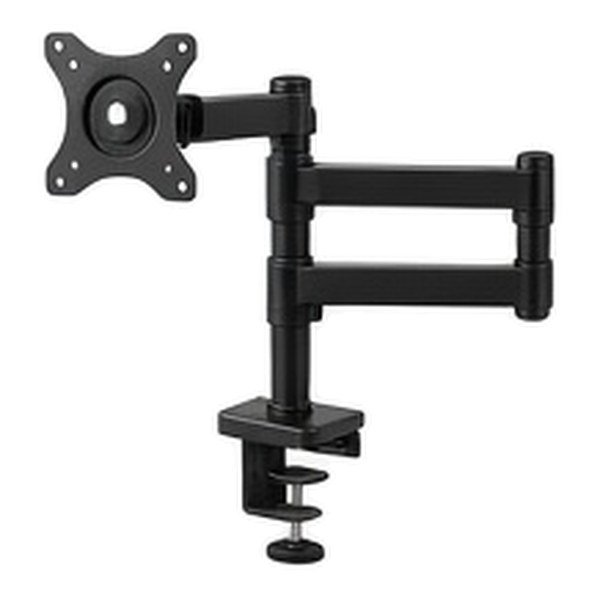
Edge clamps attach quickly to the back of your surface without permanent modification. Grommet mounts use existing holes in the desktop for a secure central hold. Verify your furniture thickness before selecting your mounting hardware.
Articulating Motion Range
Gas spring joints allow smooth height and depth adjustments with gentle hand pressure. Mechanical arms use tension collars to hold static positions securely. Think about how often you change viewing angles during the workday.
Display Mounting Patterns
Standard bolt holes on the back of screens follow universal square layouts. Most modern panels use seventy five or one hundred millimeter spacing. Verify your display matches the bracket plate before final assembly.
Quick Buying Checklist
- Verify exact screen weight without the factory stand.
- Measure desk thickness for clamp clearance.
- Confirm VESA hole spacing on display backs.
- Plan cord routing along the metal joints.
Top Picks To Compare
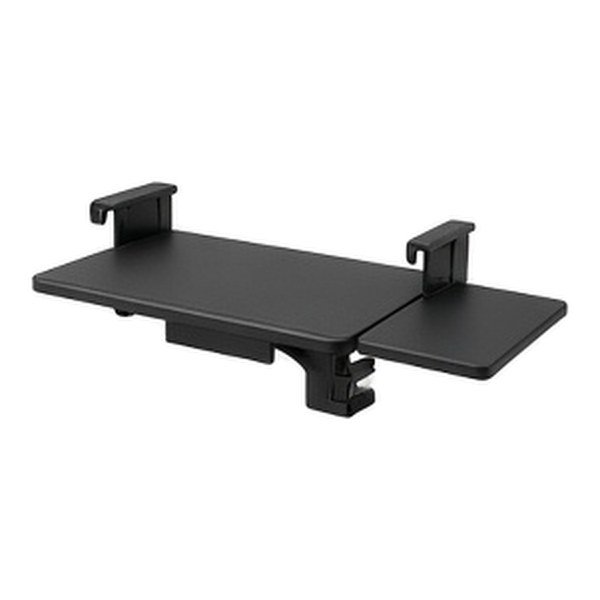
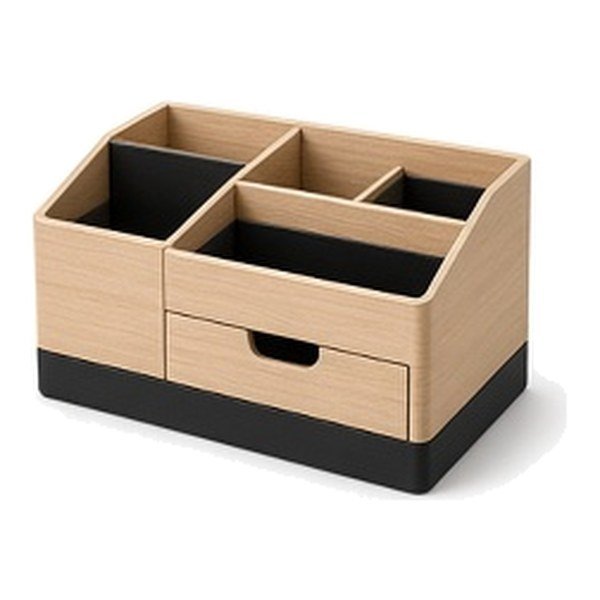
Questions Shoppers Ask
Do Monitor Arms Work With Any Monitor?
Most displays work if they feature standard VESA mounting holes on the rear panel. Check your specific manual if the bracket pattern seems recessed or unusual.
How Do I Choose Between Clamp And Grommet Mounts?
Edge clamps attach easily without drilling into the desktop surface. Grommet mounts require an existing cable hole but offer a centered look.
Are Dual Arms Better Than Two Single Arms?
Dual arms save valuable desk edge space and keep alignment uniform. Two separate arms offer more flexible positioning for mismatched screen sizes.
Can I Stack Two Large Screens Vertically?
Vertical stacking requires a tall pole mount with heavy duty spring tension. Ensure your top screen tilts downward comfortably for easy viewing.